Installing GWD Device Service
Follow the steps below to install the Device Service.
In the files we have provided, find and run DeviceServiceSetup.exe
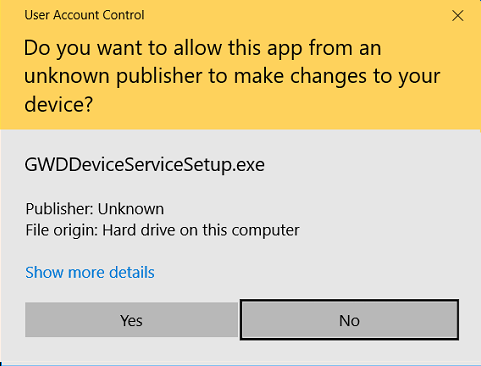
Ensure you allow Unknown Publisher
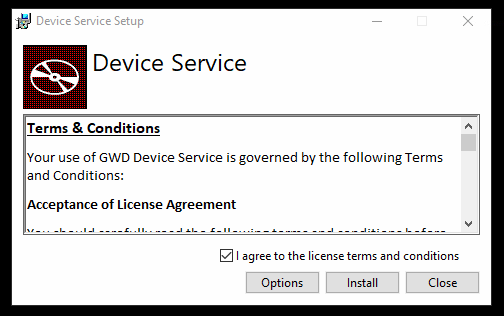
Accept the terms and conditions and install.
After the installation, you can verify that the service is running by checking the local services. The service will automatically start every time Windows starts. If you want to verify the service is running
In the Windows menu find and launch “Services”

In the list of services find “Device Service”, it should currently be running.
